WordPress security from outside WordPress.
Security plugins run inside the installation they are meant to protect – once an attacker gets in, they can disable or deceive them. tyrosec checks WordPress on the server: core, plugins and themes against the originals, every change in real time, vulnerabilities sorted by real risk.
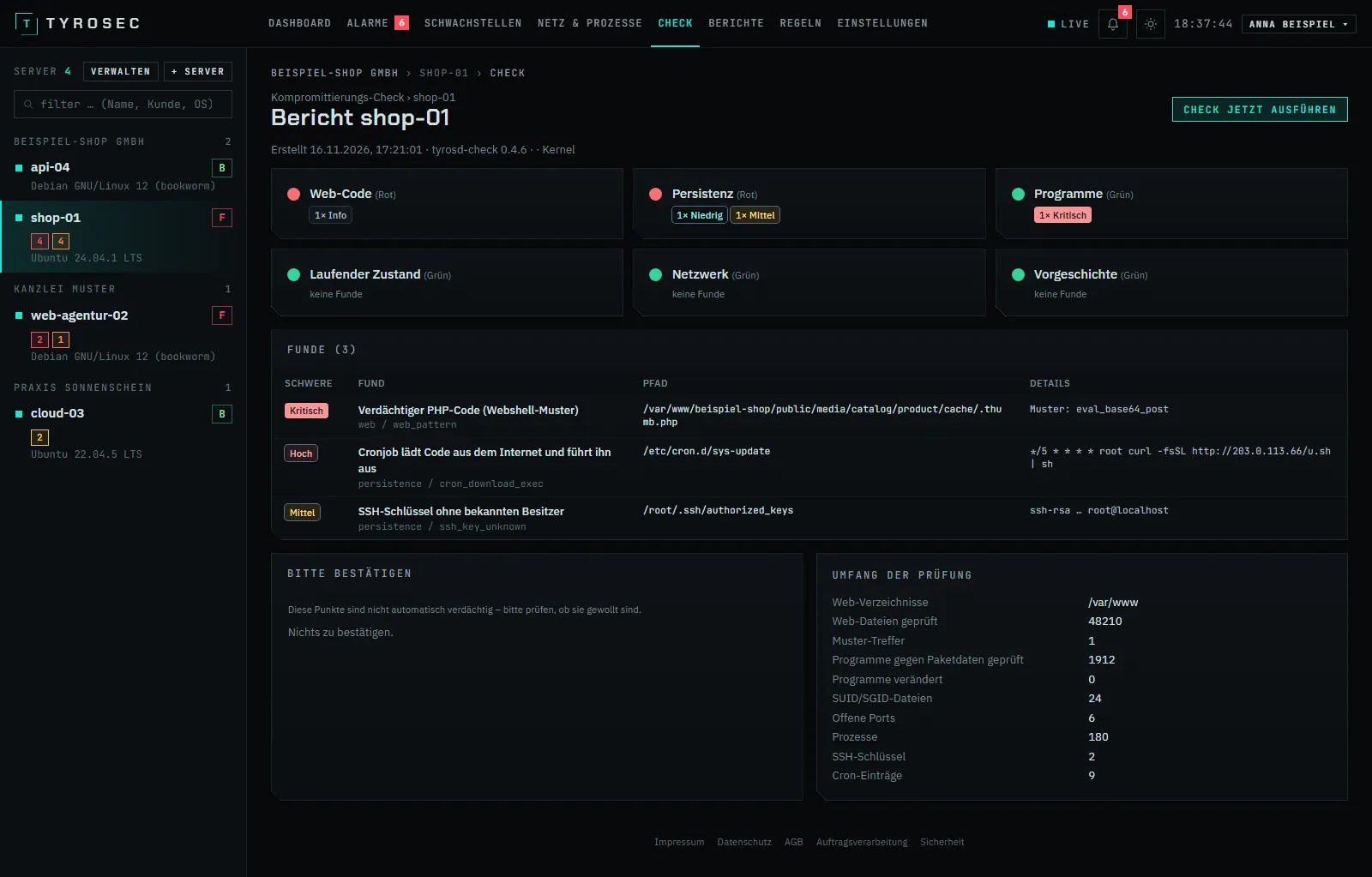
A plugin cannot guard itself.
Most WordPress compromises start with an outdated plugin or a guessed password. Then the attacker drops a web shell into the uploads folder, changes a core file or hides code in a must-use plugin – places nobody looks at in the dashboard.
A security plugin runs with the same privileges as the malicious code. Once the attacker executes PHP, they can deactivate the plugin, change its database entries or hide their files from it. And on servers hosting several sites, a plugin only ever sees one site from the inside.
Check where the attacker cannot reach.
tyrosec runs as a separate service on the Linux server, not inside WordPress. The agent finds every WordPress installation in the web folders by itself and compares core, plugins and themes with the originals from WordPress.org – file by file.
New or changed PHP files are reported in real time with a diff, and stored previous versions can be restored with one click. Vulnerabilities in core, plugins and themes are prioritised by whether they are being exploited – for all WordPress sites on all servers in one view.
What tyrosec checks in WordPress
- Core files against official checksumsEvery file in
wp-adminandwp-includesis compared with the checksums from WordPress.org. Modified, missing and unknown files are reported; differences in line endings only are recognised as harmless. - Plugins and themes against the originalsModified files and foreign PHP code in plugins and themes – compared with the original packages from the WordPress directory.
- Must-use plugins and the root folderCode in
wp-content/mu-pluginsis always loaded and never shown in the dashboard – a popular hiding place. tyrosec reports suspicious files there and unknown PHP files in the root folder. - PHP in the uploads folderA PHP file in
wp-content/uploadsis almost always a web shell. tyrosec reports it the moment it is written, not at the next scan. - Malware, web shells and skimmersA signed YARA rule set and patterns for web shells, redirects and credit card skimmers – including WooCommerce shops.
- Vulnerabilities in core, plugins and themesMatched against wpvulnerability.net (data from CVE, Wordfence, Patchstack, WPScan), prioritised by active exploitation (CISA KEV), EPSS and public exploits.
- Brute force on wp-login.phpFailed attempts from the web server log, attack waves across all servers and the successful login afterwards – only where WordPress is actually installed.
- Configuration and exposed filesWP_DEBUG enabled with display, a writable
wp-config.phpand backups reachable from outside such aswp-config.php.bakor database dumps.
Security plugin and tyrosec compared
| Security plugin in WordPress | tyrosec on the server | |
|---|---|---|
| Where it runs | inside WordPress, with the same privileges as malicious code | as a separate service on the server, outside WordPress |
| Request firewall (WAF) | filters requests before WordPress processes them | no WAF – detects attacks in logs and on the server |
| Core and plugins against originals | usually included | core, plugins and themes, even if WordPress is broken |
| Real-time changes with diff | mostly scheduled scans | the moment a file is written, with diff and restore |
| Several sites and servers | per installation, central console often paid | all installations on all servers in one view |
| The server beyond WordPress | not covered | SSH, processes, packages, cron, containers |
| Client reports | depending on the plugin | monthly and incident reports |
✓ available · ◐ partly · ✗ not available. They complement each other: a plugin with a WAF filters requests, tyrosec detects what still gets through. In detail: tyrosec vs Wordfence.
WordPress security best practices
- Keep core, plugins and themes up to dateMost compromises exploit known vulnerabilities. tyrosec shows outdated versions and sorts vulnerabilities by exploitation.
- Delete unused plugins and themesDeactivated code is still reachable. tyrosec lists plugins without an original in the directory and their vulnerabilities.
- No PHP in uploadsBlock PHP execution in
wp-content/uploadsin the web server. tyrosec reports every PHP file there. - Protect wp-config.phpNot writable by the web server, no copies in the web folder, WP_DEBUG off. tyrosec checks all three.
- Secure the loginStrong passwords, two-factor authentication, disable XML-RPC if not needed. tyrosec detects brute-force waves and the successful login afterwards.
- Don’t forget the serverPHP, the web server and the operating system need updates too; SSH with keys only. tyrosec monitors the whole server, not just WordPress.
WordPress hacked – what to do?
- 01Stay calm, preserve evidenceFirst see what was changed: the incident in tyrosec shows the time, affected files with diffs and the process that made the change.
- 02Remove the malicious codeRestore changed files to the stored version with one click or roll the whole site back to a clean point in time; new files are moved to quarantine.
- 03Rotate credentialsRenew the passwords of all administrators, the database credentials and the salts in
wp-config.php. - 04Close the holeUpdate or remove the affected component – the vulnerability list shows which vulnerability matches the entry point.
- 05VerifyRun the compromise check again; from then on tyrosec reports every further change immediately.
Questions about WordPress security
Do I still need a WordPress security plugin with tyrosec?
Not necessarily, but it can make sense: a plugin with a firewall (WAF) filters requests before WordPress processes them – tyrosec does not. In return, tyrosec checks from outside WordPress what actually happens on the server, and an attacker cannot switch it off through WordPress.
How does tyrosec detect whether my WordPress site was hacked?
By comparing core, plugins and themes with the originals, through new PHP files in uploads and must-use plugins, malware patterns and logins. Every change is shown as a diff so you can tell malicious code from your own customisations.
Do I need to install anything in WordPress?
No. The agent runs on the Linux server and finds WordPress installations in the web folders by itself – including several per server and those without dashboard access.
Does it work with WooCommerce?
Yes. WooCommerce is checked as a plugin like all others; in addition, tyrosec monitors the checkout files for skimmers – see shop protection.
What does tyrosec cost for WordPress?
Billing is per server, not per site: from €10 net per month for the first server, no matter how many WordPress sites run on it. Try it free for 14 days – see pricing.
More features
See what’s happening on your server in two minutes.
Install the agent with a one-liner, wait for the initial scan, done. 14 days free, up to 3 servers, no credit card required.